BLOG OVERVIEW
Video Schema Markup: VideoObject, SeekToAction, and When to Use Each
In
YouTube SEO
by
Edward Wood
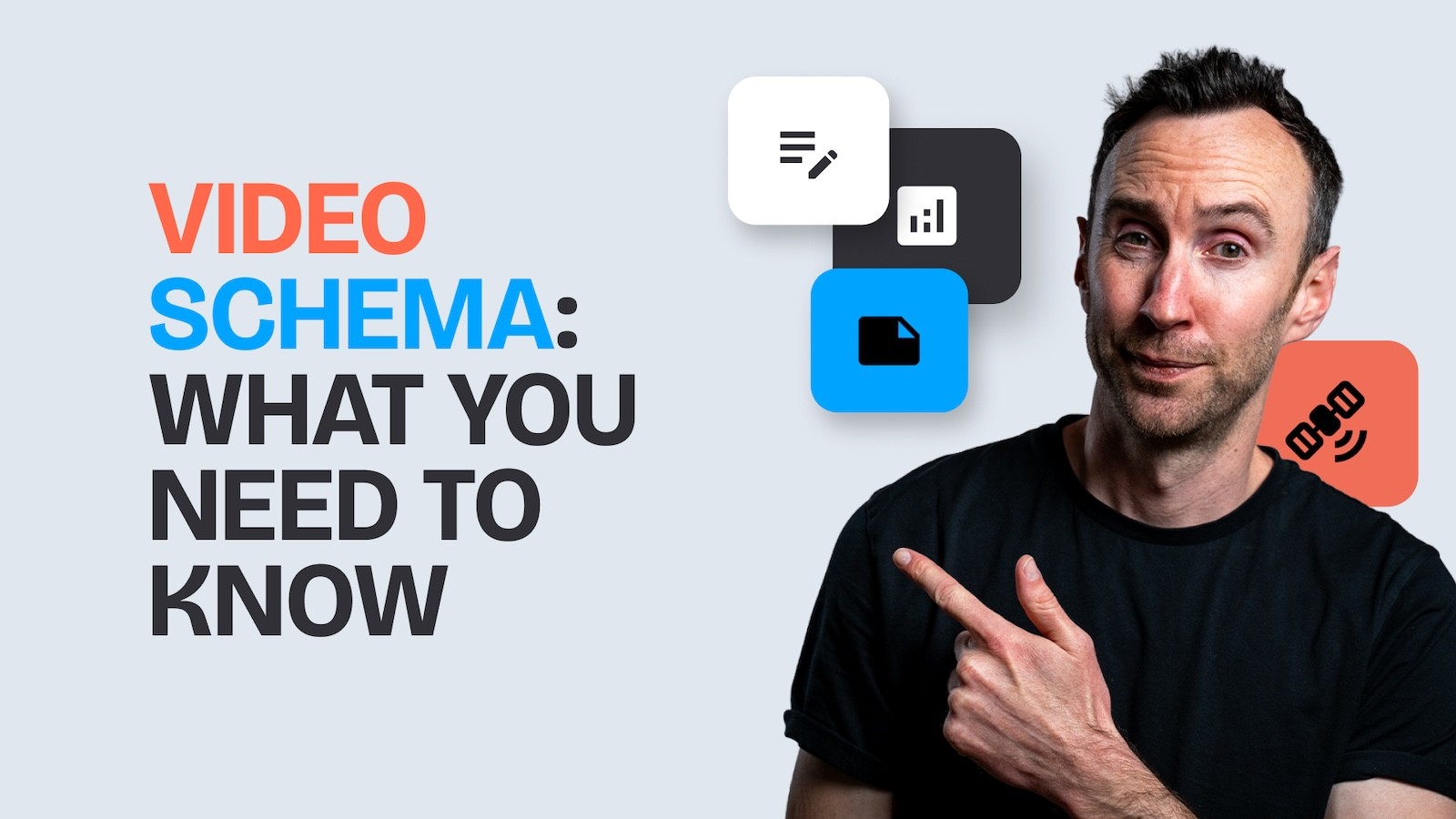
Schema markup is the layer that most marketing teams forget when embedding YouTube videos on their website. They film the video, embed it in a blog post, maybe write a description, and move on. But without the right structured data, Google doesn't fully understand the relationship between the video and the page, which limits how the content surfaces in search results.
The schema decision is one of the most impactful low-effort technical steps in the YouTube SEO system we use at Humble&Brag. It determines whether Google indexes your video independently (enabling Key Moments, video carousels, and AI Overview citations), treats it as a supporting element of the page, or gets confused and does neither well.
I worked through these decisions with Nadia Mohamed, a technical SEO and GEO specialist, and the framework she uses with clients is straightforward.
The Core Decision: What Role Does the Video Play?
Before choosing a schema type, ask one question: is the video the main content of this page, or is it supporting content alongside text?
If the video is the main content (a watch page, a video landing page, or a page where the video is above the fold and the primary reason a user visits), use VideoObject schema. This tells Google to index the video as a standalone entity. It enables video-specific search features including the video carousel, Key Moments, and the LIVE badge for streams.
If the video is supporting content (an embedded YouTube video in a longer blog article, a product demo within a features page, or a tutorial video alongside written instructions), do not add VideoObject as standalone schema. Instead, add the video as a property within the page's existing BlogPosting or Article schema. The video won't be indexed separately, but it still provides value to the page by enriching the structured data Google uses to understand the content.
Nadia's warning on this: "If you add VideoObject to a page where the video isn't the main content, you'll have two schemas conflicting. Google sees a BlogPosting and a VideoObject and doesn't know which one represents the page. That confusion can hurt both the article's rankings and the video's eligibility for rich results."
VideoObject Schema: What to Include
Google's video structured data documentation specifies the required and recommended properties. The essential ones are:
name — The video title. Should match or closely mirror the YouTube title.
description — A 150-300 character summary. Include the primary keyword.
thumbnailUrl — A URL pointing to the video's thumbnail image. Must be accessible to Google's crawler (not blocked by robots.txt).
uploadDate — The date the video was published, in ISO 8601 format.
contentUrl or embedUrl — The URL of the video file itself (contentUrl) or the embed URL (embedUrl). For YouTube videos, the embed URL is typically https://www.youtube.com/embed/VIDEO_ID.
duration — The video length in ISO 8601 duration format (e.g., PT15M30S for 15 minutes 30 seconds).
Google's own video SEO guidelines confirm that when Google can access video content files, it can choose preview clips, better understand the content for relevance matching, and automatically identify key moments. Making the video file accessible is what enables these enhanced features.
SeekToAction: Chapter-Level Rich Results from Your Own Domain
SeekToAction is the schema property that lets your website, not just your YouTube channel, claim chapter-level timestamps as navigable results in Google search. It's the difference between Google surfacing your YouTube URL with a chapter marker, and Google surfacing your own domain with a direct link to a specific moment in the video.
For business channels, this is significant because it means your website (not youtube.com) appears in search results with chapter-level navigation, driving traffic to your domain rather than to YouTube directly.
The implementation adds a potentialAction property to your VideoObject schema:
Combined with properly formatted chapters in the video, SeekToAction tells Google exactly which sections of the video correspond to which topics, enabling chapter-level navigation directly from search results on your own domain.
Watch Pages: The Structure That Earns AI Citations
A watch page is a dedicated page on your website where the video is the primary content. It's presented above the fold, accompanied by a formatted version of the video transcript with headings that mirror the chapter titles.
This structure does two things. First, it gives Google a rich textual layer to crawl alongside the video content, significantly expanding the range of queries the page can rank for. Second, it gives AI tools (ChatGPT, Claude, Perplexity) a textual map of your content that they can parse and cite. Nadia Mohamed's research shows that AI tools parse content by looking for "very short chunks of text with the answer in the very first paragraphs," which means the transcript headings and answer-first structure of a watch page are precisely what LLMs extract when generating citations.
The watch page structure:
VideoObject schema with SeekToAction
Video embedded above the fold
Short teaser text summarising the video's value proposition
Formatted transcript with headings matching chapter titles
Each transcript section starts with the answer, then expands (inverted pyramid)
Implementation by Platform
WordPress: Plugins like RankMath and Yoast automatically generate VideoObject schema when they detect an embedded video. Verify the output in Google's Rich Results Test. For SeekToAction, you'll need to manually add the potentialAction property or use a custom schema block.
Framer / headless CMS: VideoObject schema needs to be added as a custom code component or through a dedicated schema section in your page template. This is typically a 30-minute development task. The schema lives in a <script type="application/ld+json"> block in the page's <head>.
Webflow: Use custom code blocks in the page settings to inject VideoObject schema. Webflow doesn't natively generate video schema.
After implementing, verify your schema using Google's Rich Results Test and check your Search Console Video pages report to confirm Google is successfully indexing your videos.
Video Sitemaps
In addition to on-page schema, Google recommends submitting a video sitemap as a secondary signal. A video sitemap lists all pages on your site that contain videos, along with metadata like the title, description, thumbnail URL, and duration. This helps Google find videos on pages it might not otherwise crawl thoroughly.
For most business sites with embedded YouTube videos on blog posts, the on-page VideoObject schema is the primary mechanism and the video sitemap is a supplementary one. If you have a large video library (50+ videos embedded across your site), a video sitemap becomes more important for ensuring comprehensive indexing.
The schema layer is the bridge between your content and the machines that decide who sees it. Get it right and one video on one page can surface in YouTube search, Google's video carousel, Google's Key Moments feature, and AI-generated answers, each driving traffic through a different door.
For the full system that connects YouTube SEO, Google SEO, and AI visibility, see our YouTube SEO guide. If you want help implementing this on your site, book a call with us.